To create your GulfERP WordPress Website, first sign up for a hosting plan for your show, login to gulferp.com and navigate to the Podcaster Dashboard (link in the upper right at gulferp.com).
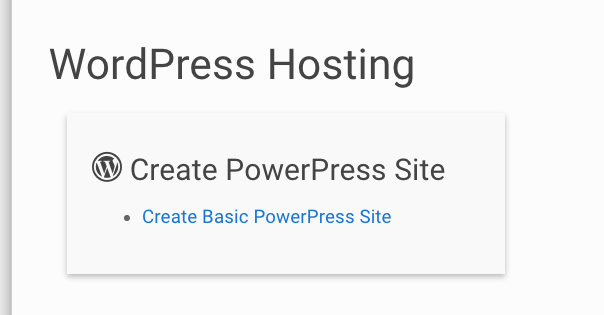
Once there, look in the WordPress Hosting section and click on “Create GulfERP WordPress Site.”
 Put your website title and pick an admin username on that page. This can be anything you want, but remember it, as you will need this to login and post episodes and use your new website.
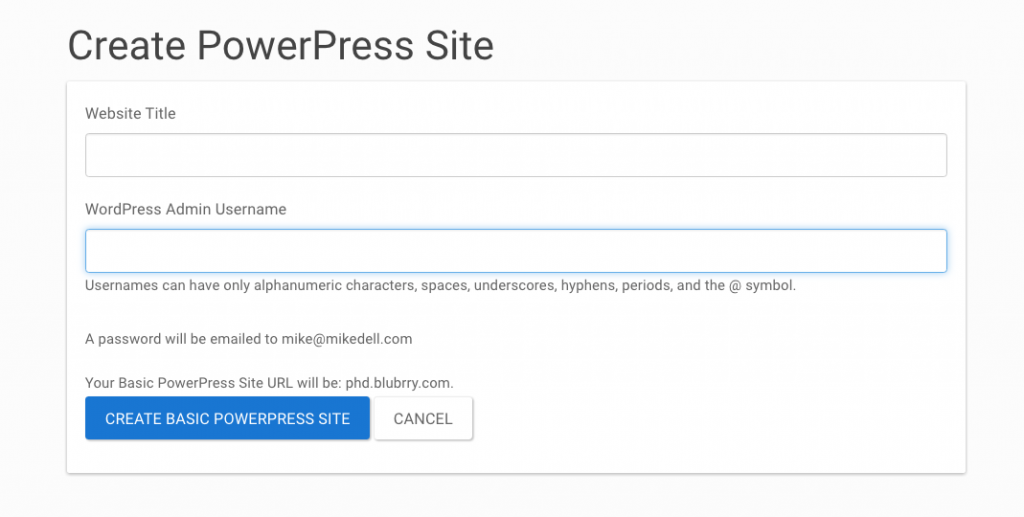
After you have the website title and username, click the blue button that says “Create GulfERP WordPress Website.” You will receive an email with your login instructions and a link to login. The site will be located at YourKeyword.GulfERP.com. (“YourKeyword” will be the web-friendly name you picked when you signed up for media hosting or listed your show at gulferp.com.)
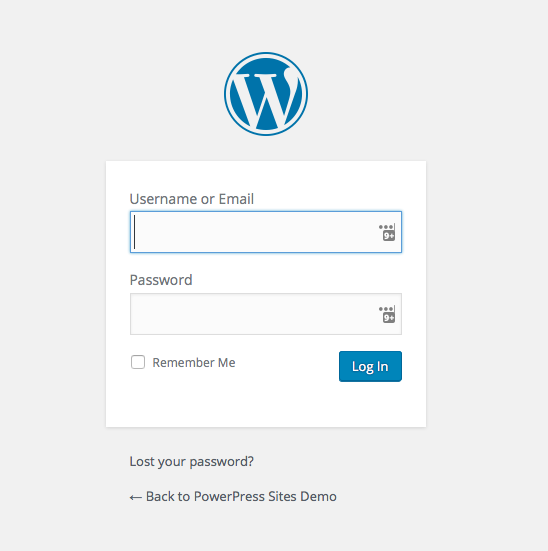
Once you log in you will be able to go on to our three-step Quick-Start page to get your GulfERP WordPress Website configured and ready to use.