You can use GulfERP Media Hosting with your Squarespace website. Using this method will also give you GulfERP Standard Stats for your podcast.
Follow these simple steps to post your podcast using GulfERP Hosting:
- Select the audio block from your post.
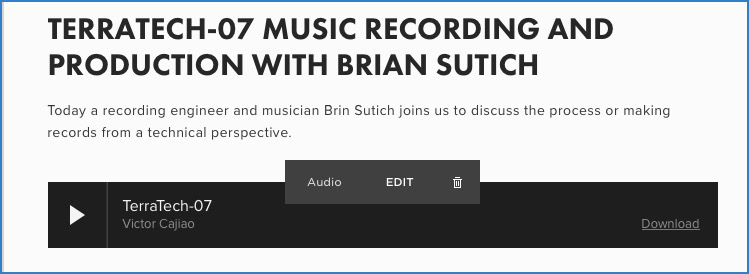
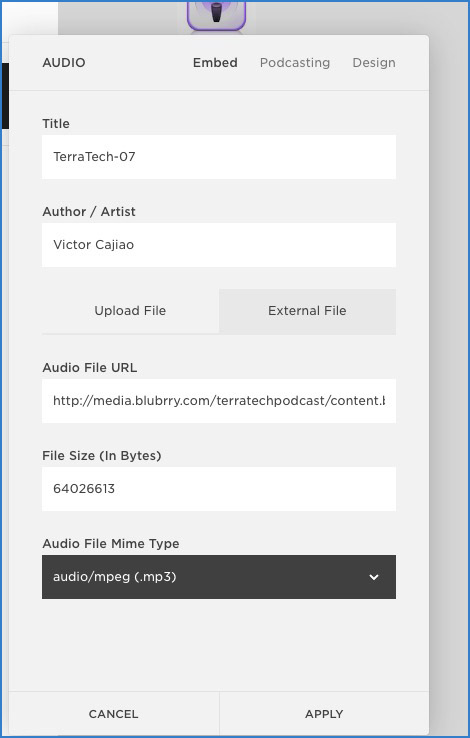
2. In the audio block, select “External.” In the box that says “Audio File URL, paste the URL you get when you upload at gulferp.com.
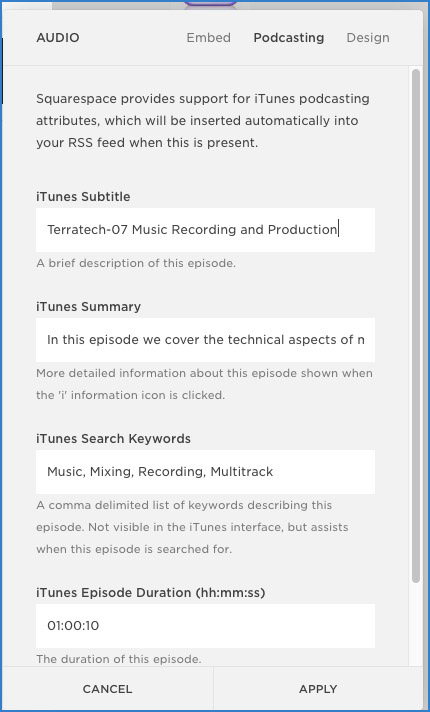
3. Fill out the information on the “Podcasting” tab, for Apple Podcasts, metadata etc.
That’s it! Be sure to double-check your Squarespace feed address to make sure the item is posted correctly.